Build control systems and signal-processing models as block diagrams, run them with real ODE solvers, and watch results live — right in your browser. Then generate deployable C or Arduino code and take your design to hardware.
A complete modeling environment — from continuous dynamics to discrete logic — with no toolboxes to install.
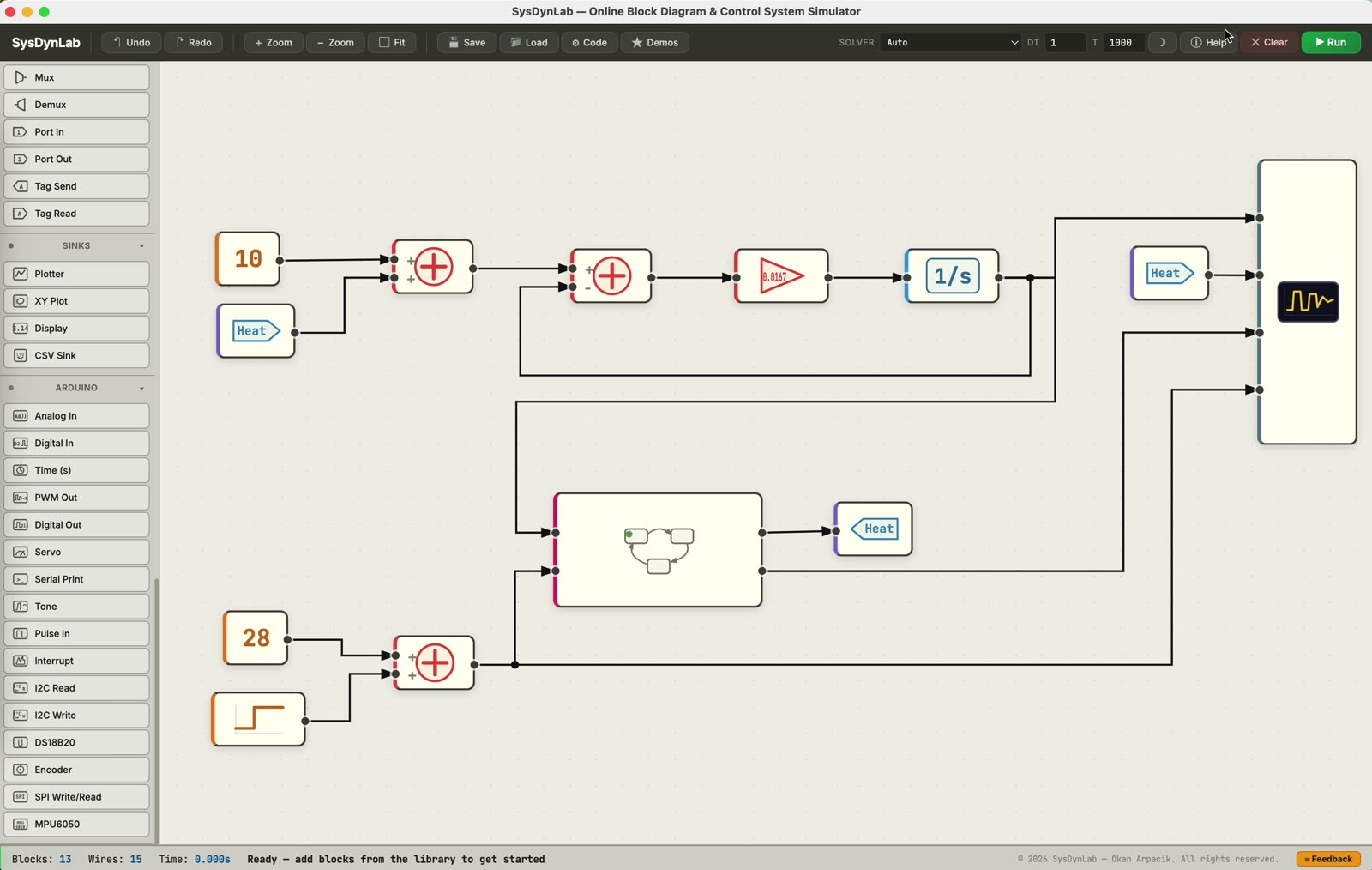
Drag blocks from a rich library and wire them into your model. Sources, math, continuous and discrete dynamics, nonlinearities, routing, and hierarchical subsystems — all on an infinite canvas.
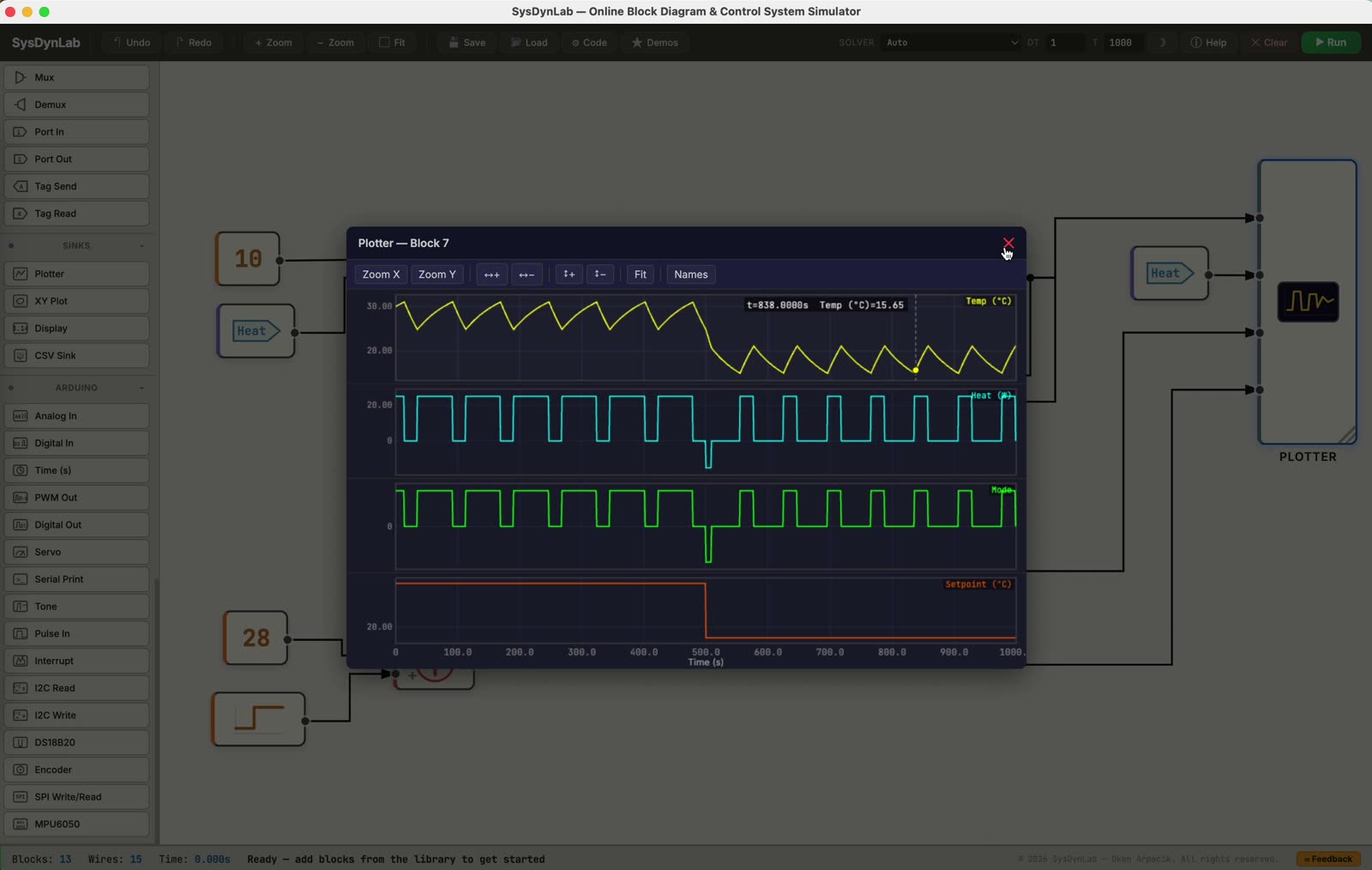
Variable-step and fixed-step ODE solvers integrate your model and stream the results to live scopes. Overlay signals, zoom and pan the time axis, and read values right off the plot.
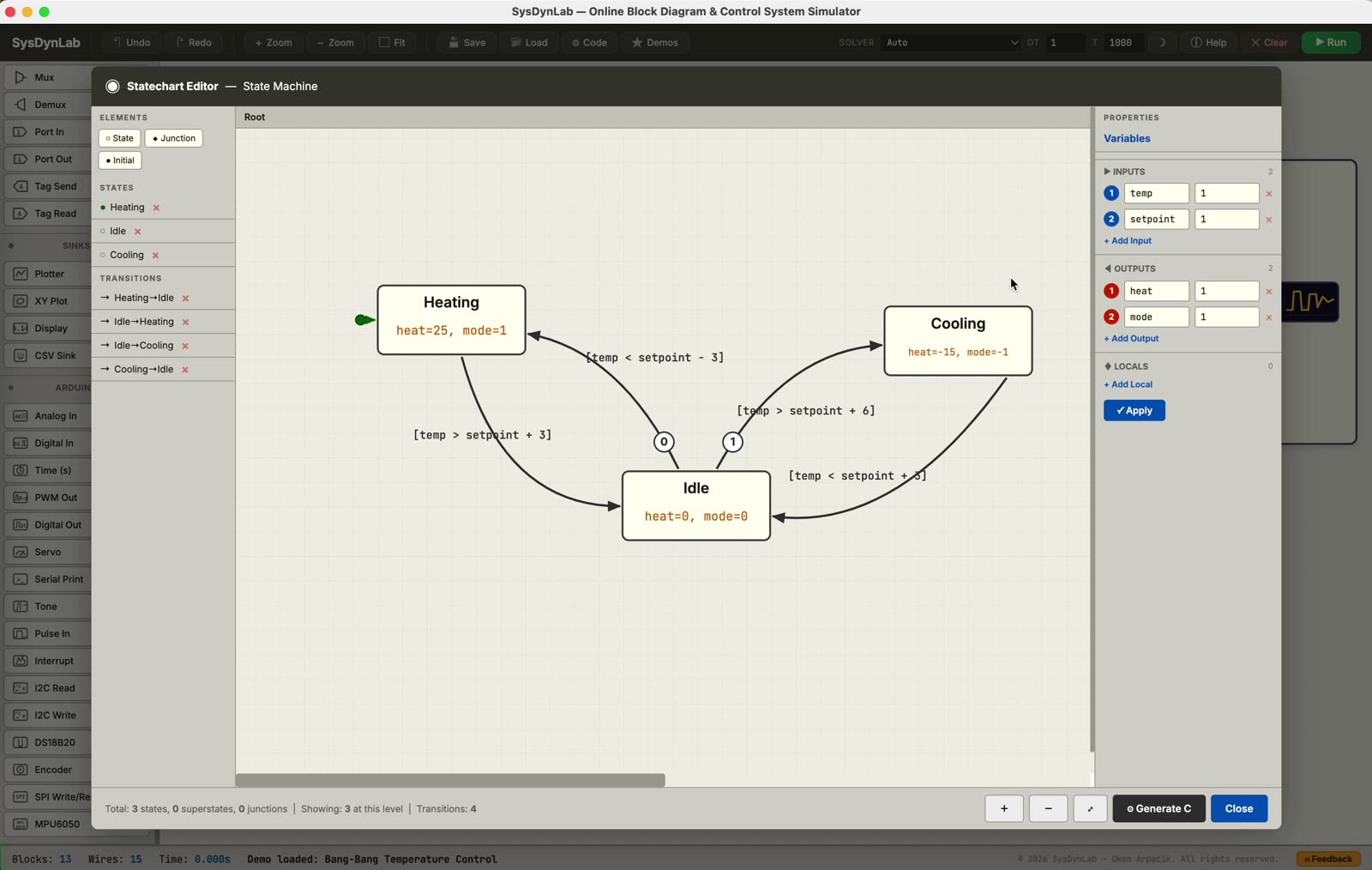
Model modes, supervisory logic, and event-driven behavior with a built-in Harel statechart editor — states, guarded transitions, entry/exit actions, junctions, and hierarchy.
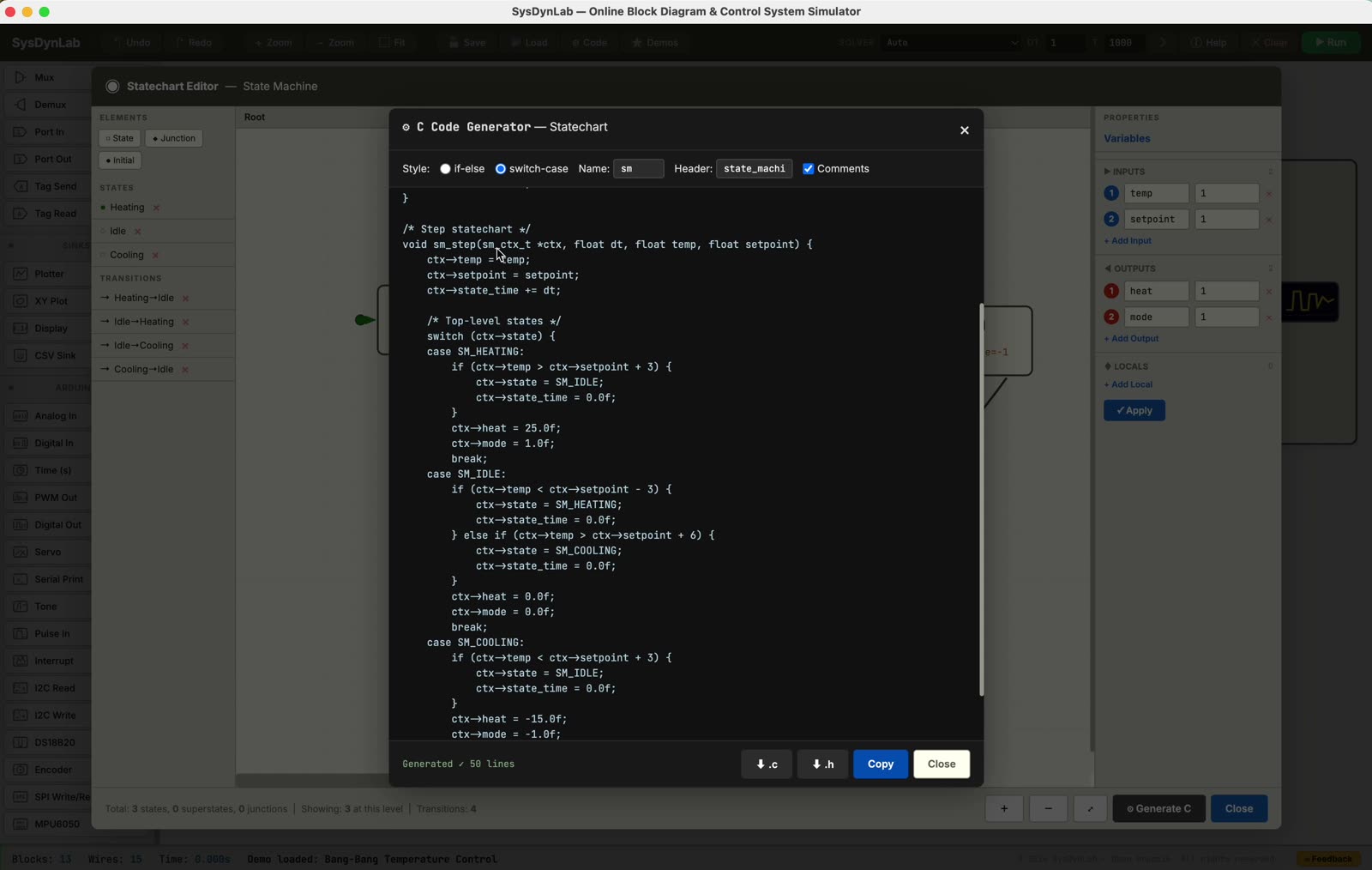
Turn a validated diagram into readable, portable source. Export MISRA-clean C, Python, or a ready-to-flash Arduino sketch — the same behavior you simulated, running on your target.
Type what you want in plain English and get a validated block diagram, wired and parameterized. Bring your own key from Anthropic, OpenAI, or Google.
The copilot doesn't hand you loose text — it assembles a real model on the canvas, closes the feedback loop, and picks sensible parameters. Ask follow-ups to refine it; it remembers the whole conversation.
claude-3-5-sonnet-latest. Strong at multi-step, correct wiring.gpt-4o. Fast, reliable tool-calling.gemini-2.0-flash. Free tier friendly.Prefer a specific model? Type any model name to override the default — e.g. a newer Claude, GPT, or Gemini release.
Open the Copilot panel, pick a provider, and paste your API key. It's saved locally in the browser.
“A cruise controller for a car,” “a thermostat with hysteresis,” “read A0 and drive a servo.” Vague is fine.
The model appears on the canvas — run it, then ask for changes in the same chat until it's right.
The desktop app adds a direct bridge to real boards — so a block diagram becomes running firmware without leaving the app.
Everything in the browser simulator, plus one-click compile & upload, a live serial link that streams sensor data straight into the scope, and an AI copilot that turns a plain-English description into a validated model.
Draw a model, generate the Arduino sketch, run the built-in self-check, compile, and upload — all inside the app.
Variable- and fixed-step integration with automatic stiffness detection and step-size control.
Continuous and discrete PID with anti-windup, saturation, and output limiting.
Harel statecharts with guards, actions, junctions, and hierarchical regions.
MISRA-clean C, Python, and Arduino sketches — bit-exact to the simulation.
Group, nest, and reuse structure with ports, tags, and virtual wiring.
Describe a system in plain English and get a validated, ready-to-run diagram.
Free for macOS, Windows, and Linux. Prefer no install? The simulator also runs in your browser at sim.sysdynlab.com.
Other builds: macOS (Intel) · Linux (.deb)
chmod +x SysDynLab-0.1.1.AppImageFree · v0.1.1
No sign-up, no install. Open the simulator in your browser, or get the desktop app for hardware work.
B.S. in Control and Automation Engineering from Istanbul Technical University (2017) and M.Sc. in Electrical and Electronics Engineering from Middle East Technical University (2021). Research interests span model predictive control, online optimization, and motion control of mechatronic systems. SysDynLab grew out of a simple goal: let engineers and students model, simulate, and analyze dynamic systems in real time — with nothing to install.